
Reviews
Festival Hair & Outfit Designer succeeds by removing all friction from the creative process. There are no timers, scores, or wrong choices. The hair tools offer just enough variety to shape a distinct look, and the clothing selection encourages playful combinations. The bright, clean visuals keep the focus on your design. It is an ideal choice for anyone who wants a low-stakes, satisfying creative outlet that works on any device.
About this game
Core Creative Loop
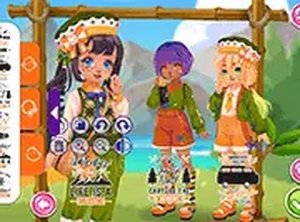
The experience centers on building a complete visual identity for a festival attendee. Players begin with hair customization, using digital tools to adjust length and apply color from a palette of warm seasonal shades. Options to add waves or keep hair straight provide additional control over the final silhouette. Once the hairstyle is set, attention shifts to clothing selection.
Wardrobe Exploration
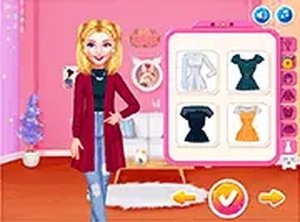
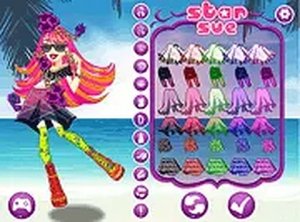
A curated collection of garments and accessories allows for extensive mixing and matching. Dresses, skirts, and tops come in various cuts and patterns, while items like sunglasses, hats, and jewelry add personality. The interface encourages trying combinations that might not be obvious, rewarding experimentation with unexpected pairings that work well together.
Relaxed Pacing & Accessibility
There is no pressure to finish quickly or achieve a specific goal. The game saves progress automatically, so players can return to refine their creations over multiple sessions. Controls are designed for both mouse clicks on computers and finger taps on mobile devices, making the activity suitable for a wide age range.
Visual Style & Atmosphere
The bright color palette and cheerful background elements reflect a summer festival setting. Characters and items are rendered in a clean, approachable art style that keeps the focus on the styling choices rather than complex animations. The overall mood is light and encouraging, inviting players to explore without fear of making mistakes.
Sharing & Inspiration
While the core activity is solo, the game may include options to compare finished looks with others. This social layer can spark new ideas by seeing how different players interpret the same tools and wardrobe. It turns personal creativity into a shared experience without requiring real-time interaction.



Comments
Sign in to leave a review
No account? Create one
No comments yet.